
<p>The module Views was added to standard installation profile of Drupal in 8.* version of Drupal. It helps admin create web pages, blocks, feeds - different views of filtered and formatted content using the Administration web interface. It's one of the most praised features of Drupal.</p><p>Adding a new view</p><p>Go to admin page <a href="https://greenlight.ru/en/admin/structure/views" rel="noopener noreferrer">Views</a>. Hit the button "+ Add view".</p><p>Type the new view being created "View name" = "Articles".</p><p>In "View settings" select: to "Show" = "Content" of "type" = "Article" ... "sorted by" = "Newest first".</p><p>In "Page settings" check the checkbox "Create page".</p><p>Check checkbox "Create menu link", select a necessary menu from dropdown select: "Main navigation".</p><p>You may want to check the checkbox "Include RSS feed".</p><p>Then hit "Save and edit" button below.</p><p>On the next page you see titled "Articles (Content)" hit the tab link above to "Translate view".</p><p>Then hit "Add" button to add the translation for each of your languages. Translate all of the fields as necessary. Hit "Save translation" button.</p><p>Now open the new view "Articles" and hit the button "Add" inside the section "Filter criteria".</p><p>In the dialog window that you opened check "Content translation" then hit "Apply (all displays)". Another dialog will open. Choose radio button "is one of" = "Interface language selected for page". Then again hit the button "Apply (all displays)".</p><p>Now you are back to the view "Articles". Here just hit "Save" button below.</p><p>Done.</p>
Add Articles page to website using Views module in Drupal
The module Views was added to standard installation profile of Drupal in 8.* version of Drupal. It helps admin create web pages, blocks, feeds - different views of filtered and formatted content using the Administration…
Continue reading
Related articles
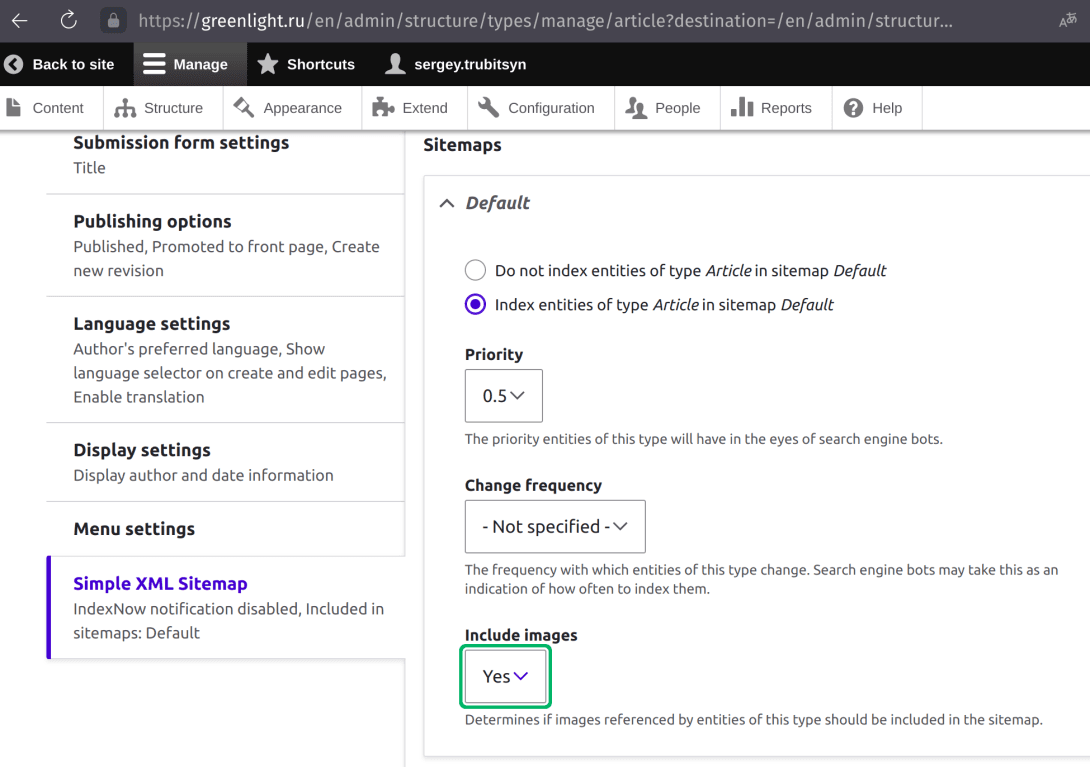
Basic SEO with Drupal 10 by setting up a contrib module Simple XML Sitemap
We already made for some search engine optimization on our brand new Drupal 10 website greenlight.ru. During the previous stages of the project we made sure our site has crisp semantic structure, non-default theme and we…
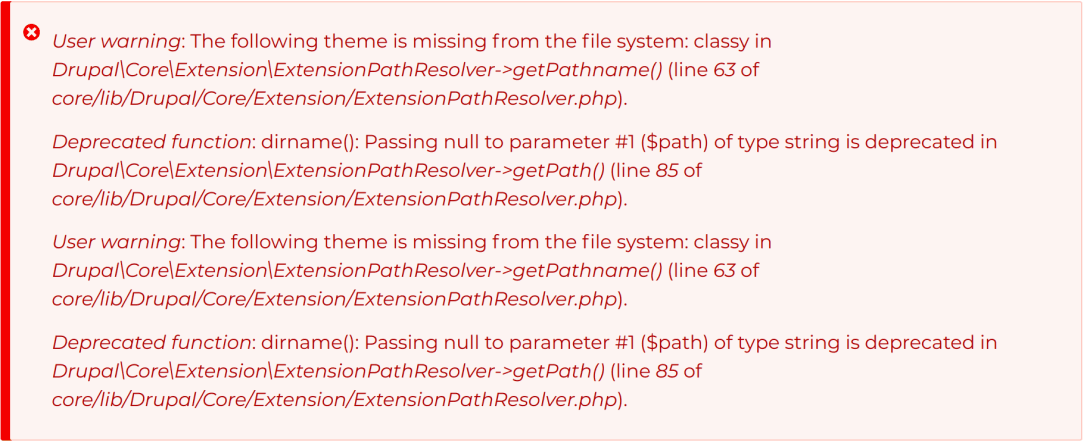
Change Theme (Appearance) in Drupal and fix issues
After " Changing Theme (Appearance) in Drupal 10 " we notice that some of our content and functional blocks have gone and we need to get them back on and then we will do further customize the web site. 1. So the first an…
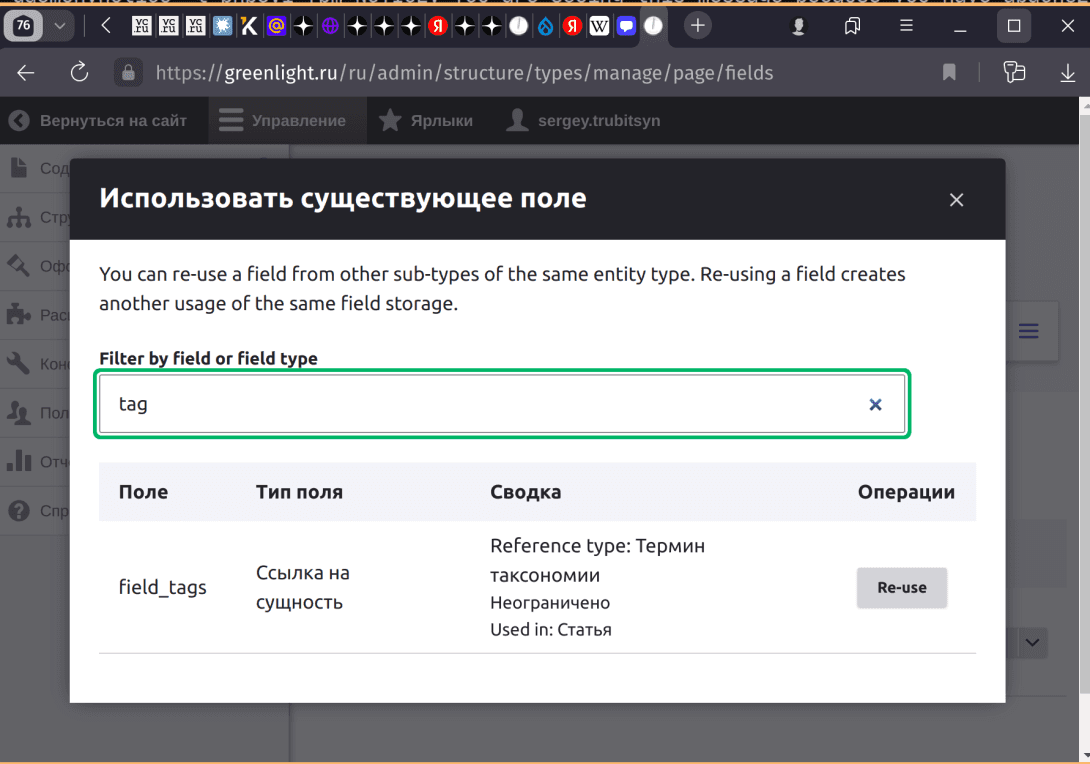
Practice makes perfect. In Drupal especially!
Drupal is a content management that now works out of the box. You use Views, Taxonomy, Content Types, Fields notions to really manage your content. You do create your content and structure out of these bricks made of pie…